
Knowledge Base › Using your client area
How to pay an invoice with EcoCash, OneMoney, Zimswitch or card
You can pay any invoice online in about a minute. Your hosting or domain is set up, renewed or restored automatically as soon as the payment is confirmed.
- Sign in. Your dashboard shows what you owe at the top. Tap Pay now.
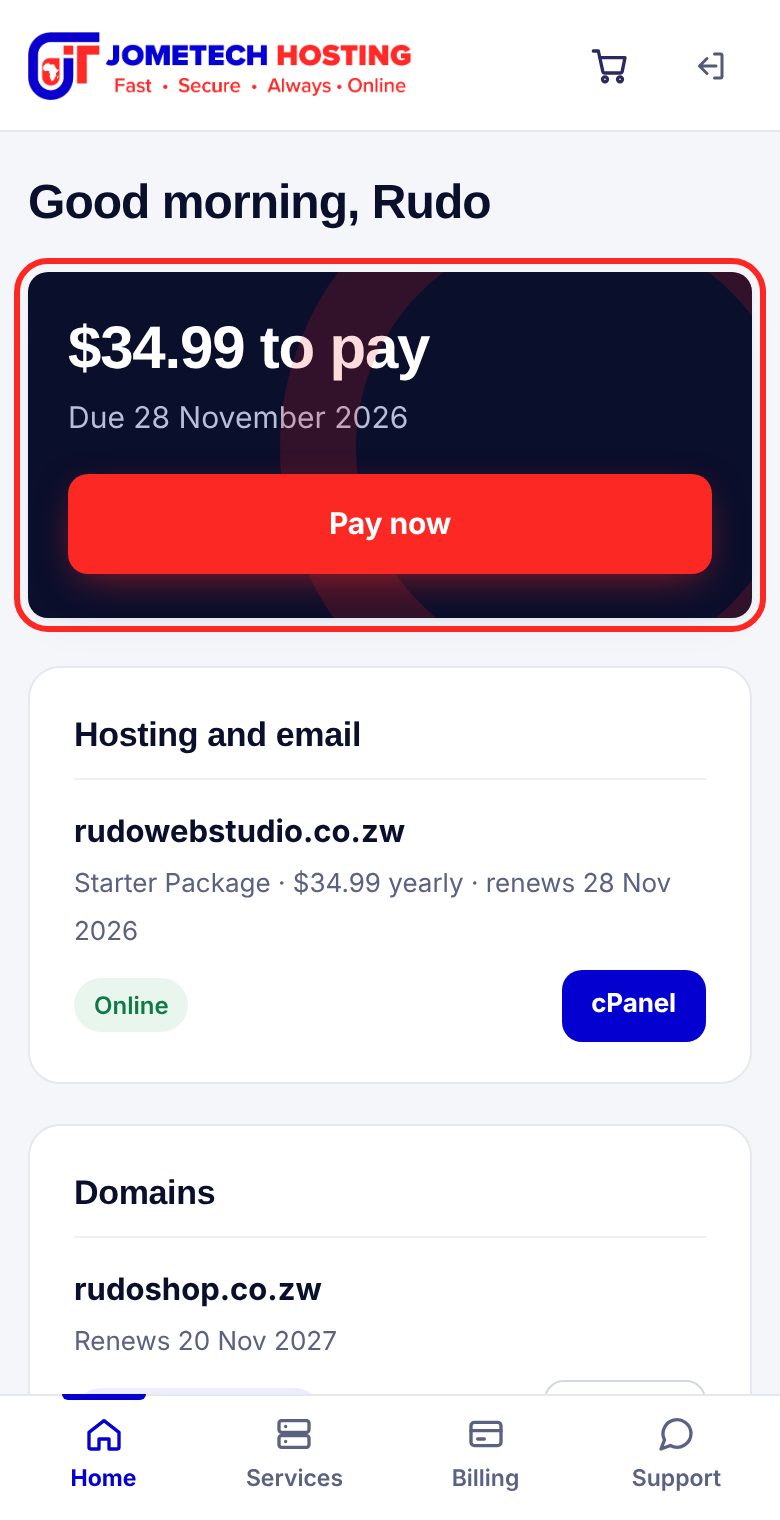
Amount to pay on your dashboard - On the invoice, tap Pay with Paynow to pay by EcoCash, OneMoney, Zimswitch, Visa or Mastercard. Or choose EcoCash or OneMoney, type your number and tap Send prompt to approve the payment on your phone.
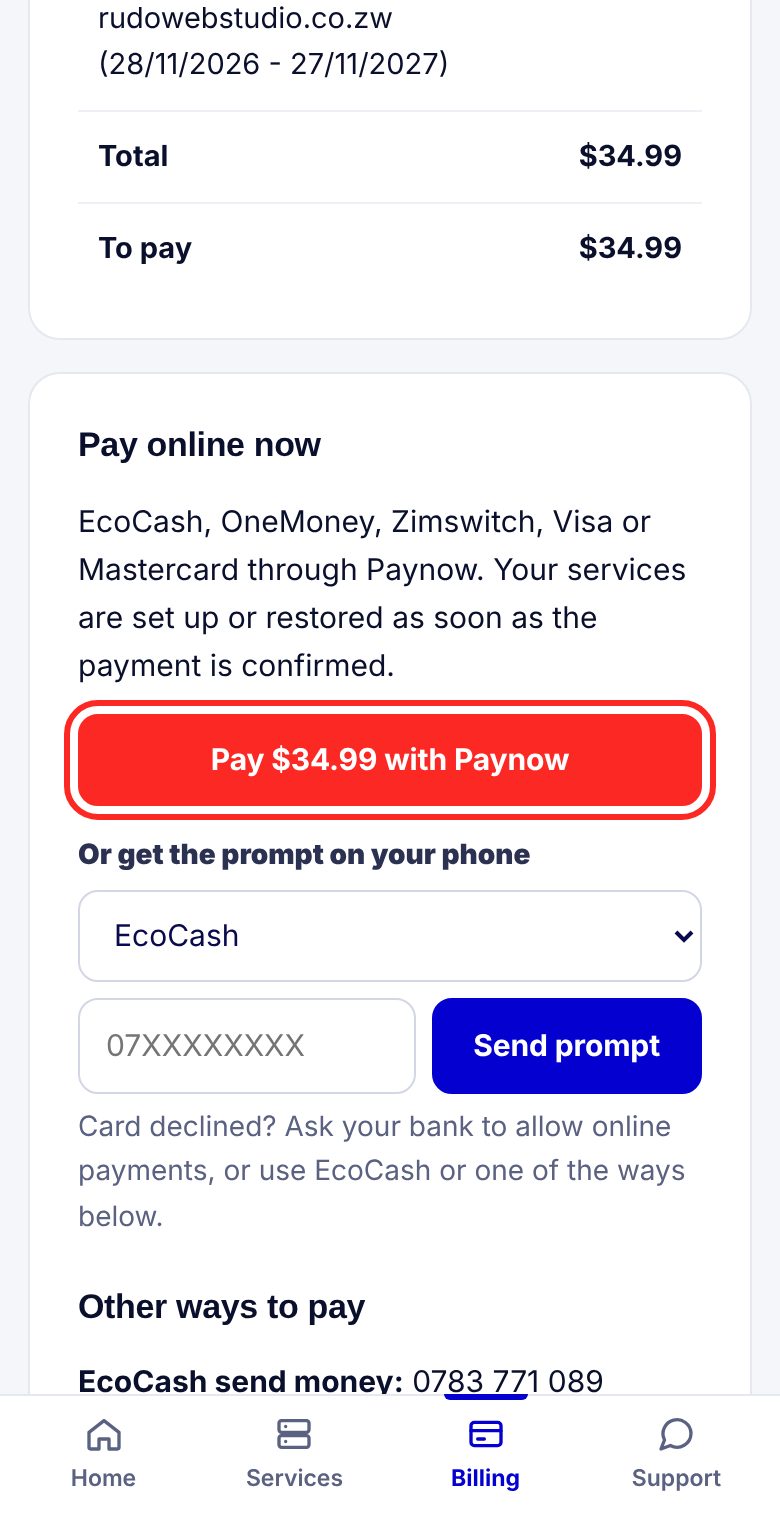
Pay online on the invoice page - Wait on the page until it says the payment is confirmed. You get a receipt by email and WhatsApp.
Every invoice email also has a View and pay invoice button and the invoice attached as a PDF.
Stuck? WhatsApp us on +263 78 377 1089 or open a support ticket.