
Knowledge Base › Using your client area
How to top up your account credit
Account credit pays your renewals automatically, so your services never stop. Load any amount from US$1.
- Tap Account (or your name), then scroll to Account credit.
- Enter the amount and tap Top up. Pay the small invoice that opens, as in the payment guide.
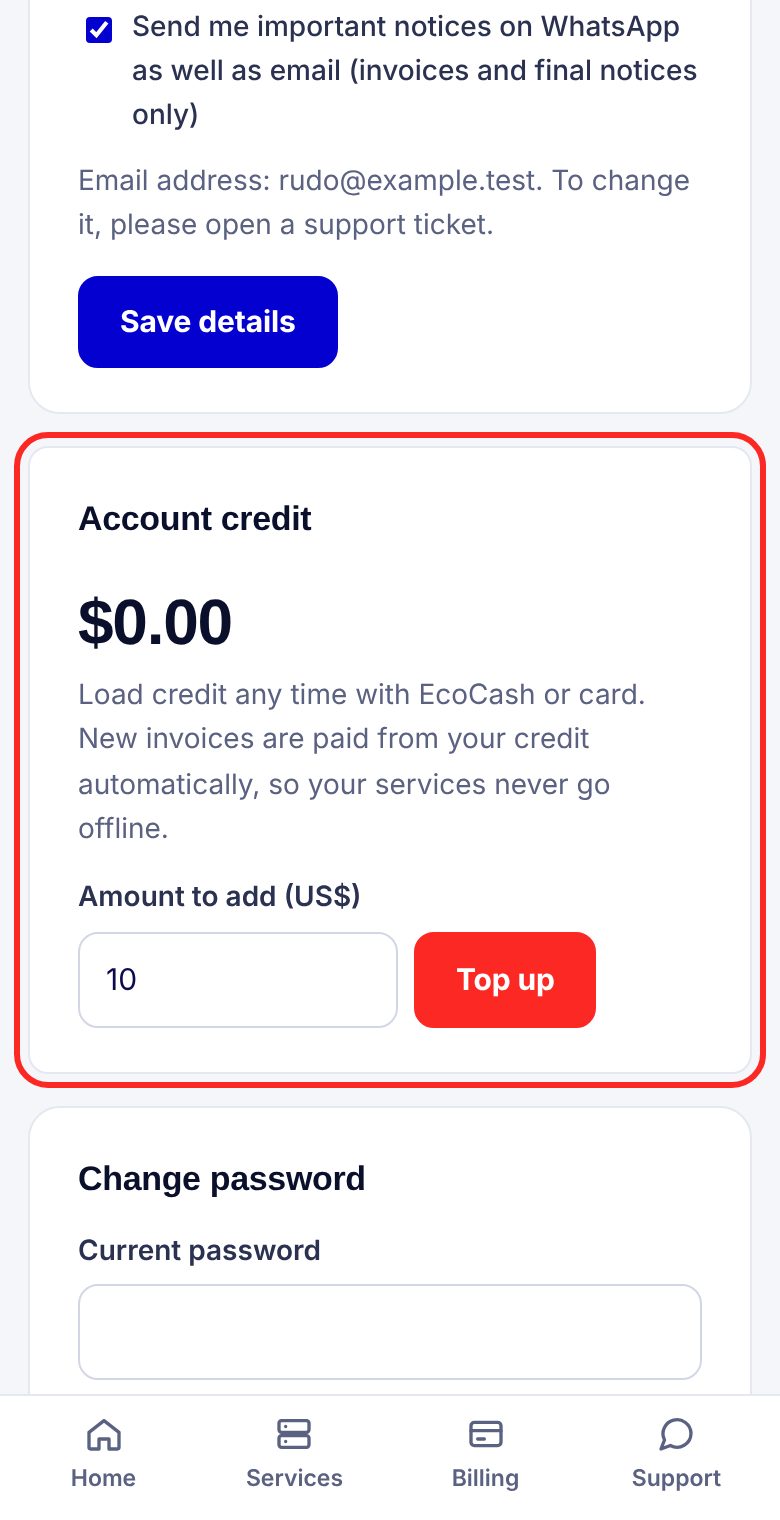
Account credit and top up - Your credit shows on the Account page and is used on your next invoice automatically.
Stuck? WhatsApp us on +263 78 377 1089 or open a support ticket.