
Knowledge Base › Using your client area
How to tell us about an EcoCash, bank or cash payment
Paid by EcoCash send money, bank transfer, WorldRemit, Mukuru or cash at our office? Tell us on the invoice so we can match it quickly.
- Open the invoice and tap I have already paid.
- Choose how you paid, enter the reference or approval code (for example PP261120.1420.T8748596), the amount and the date. You can attach a screenshot or PDF of the payment.
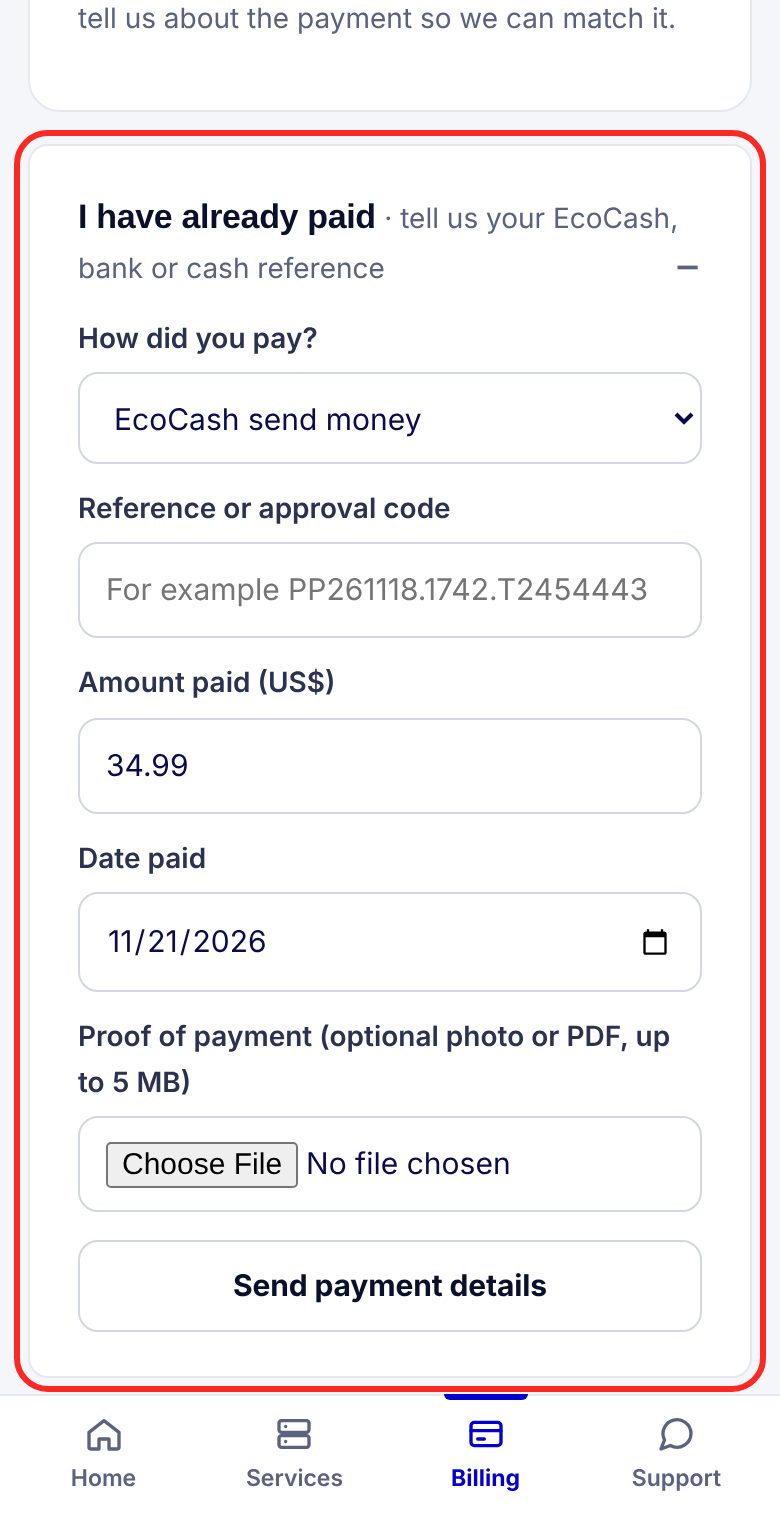
Tell us about a payment - Tap Send payment details. We check it and confirm, usually within working hours on the same day.
Stuck? WhatsApp us on +263 78 377 1089 or open a support ticket.