
Knowledge Base › Using your client area
How to create email addresses like info@yourbusiness.co.zw
Create, change and delete your email addresses straight from your client area. No cPanel needed.
- Tap Services, open your hosting or email package, then tap Email accounts.
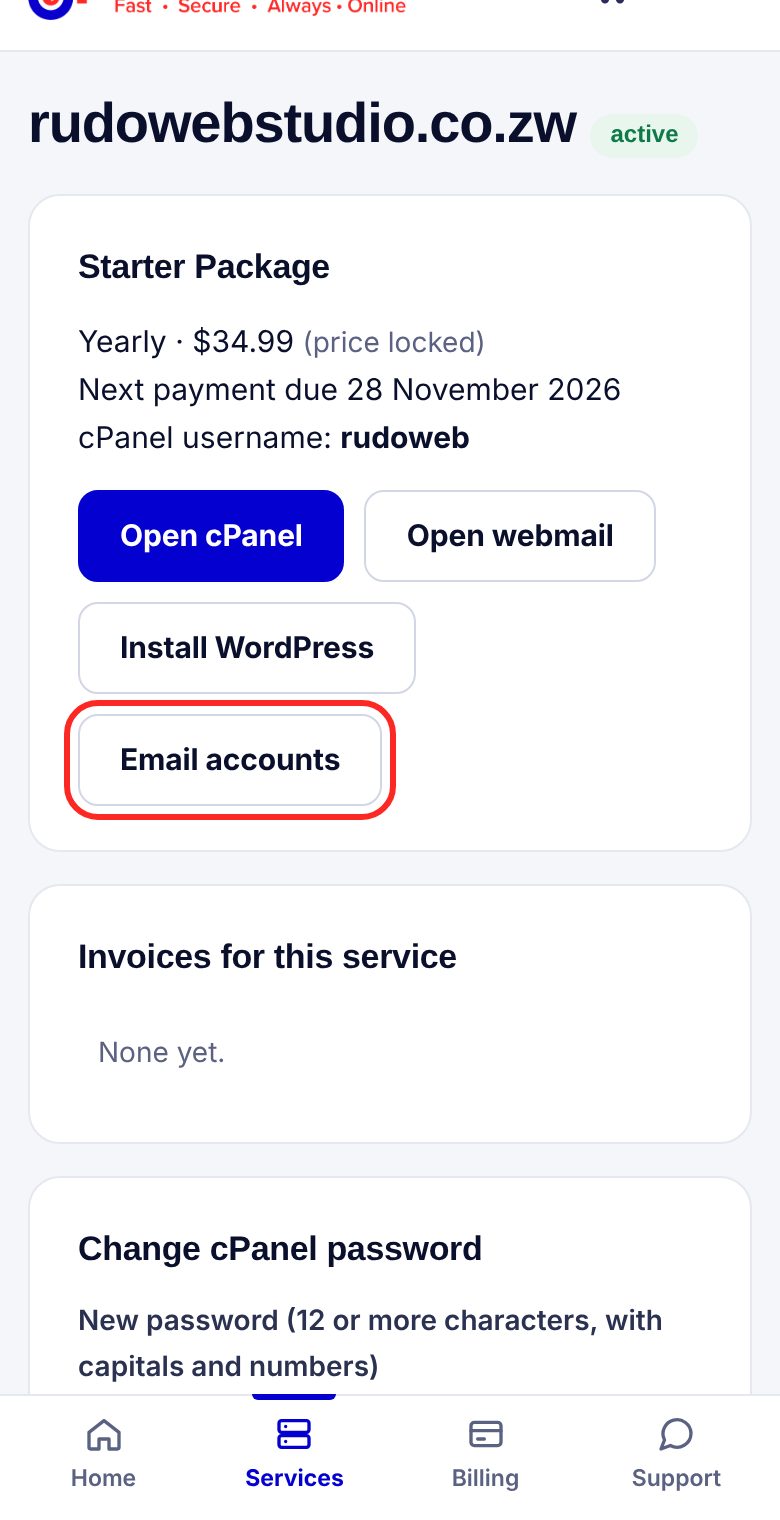
The Email accounts button - Under Create an email address, type the first part (for example info or sales), choose a password of 10 or more characters with letters and numbers, type it again, choose a mailbox size and tap Create email address.
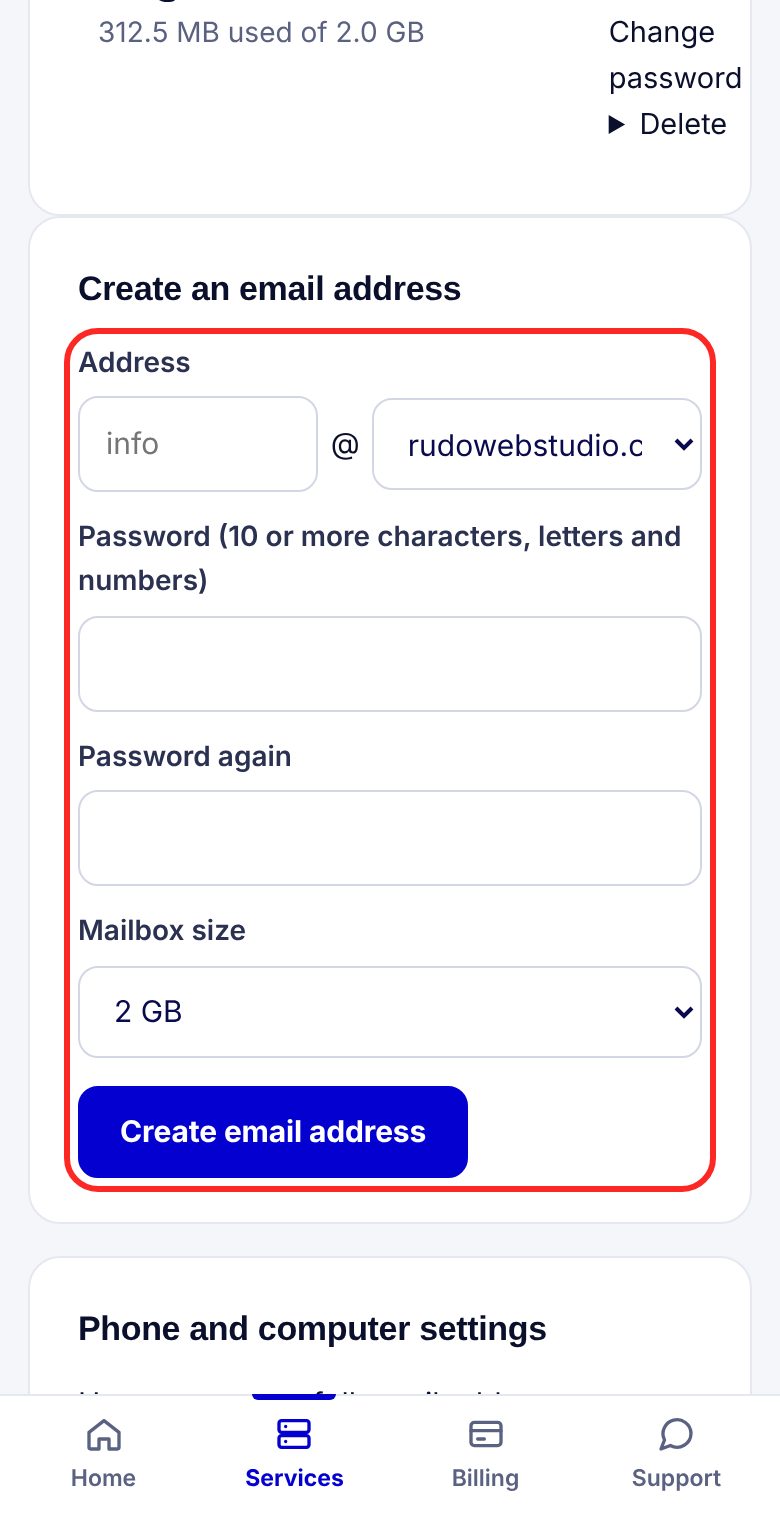
Create an email address - Your new address appears in the list. To change its password or delete it, use the links next to it.
Read your email at webmail.yourdomain (for example webmail.rudowebstudio.co.zw), or set it up on your phone with the next guide.
Stuck? WhatsApp us on +263 78 377 1089 or open a support ticket.