
Knowledge Base › Using your client area
How to install WordPress in one click
Start a WordPress website on your hosting in a few minutes.
- Tap Services and open your hosting package.
- Tap Install WordPress. The WordPress installer opens, already signed in.
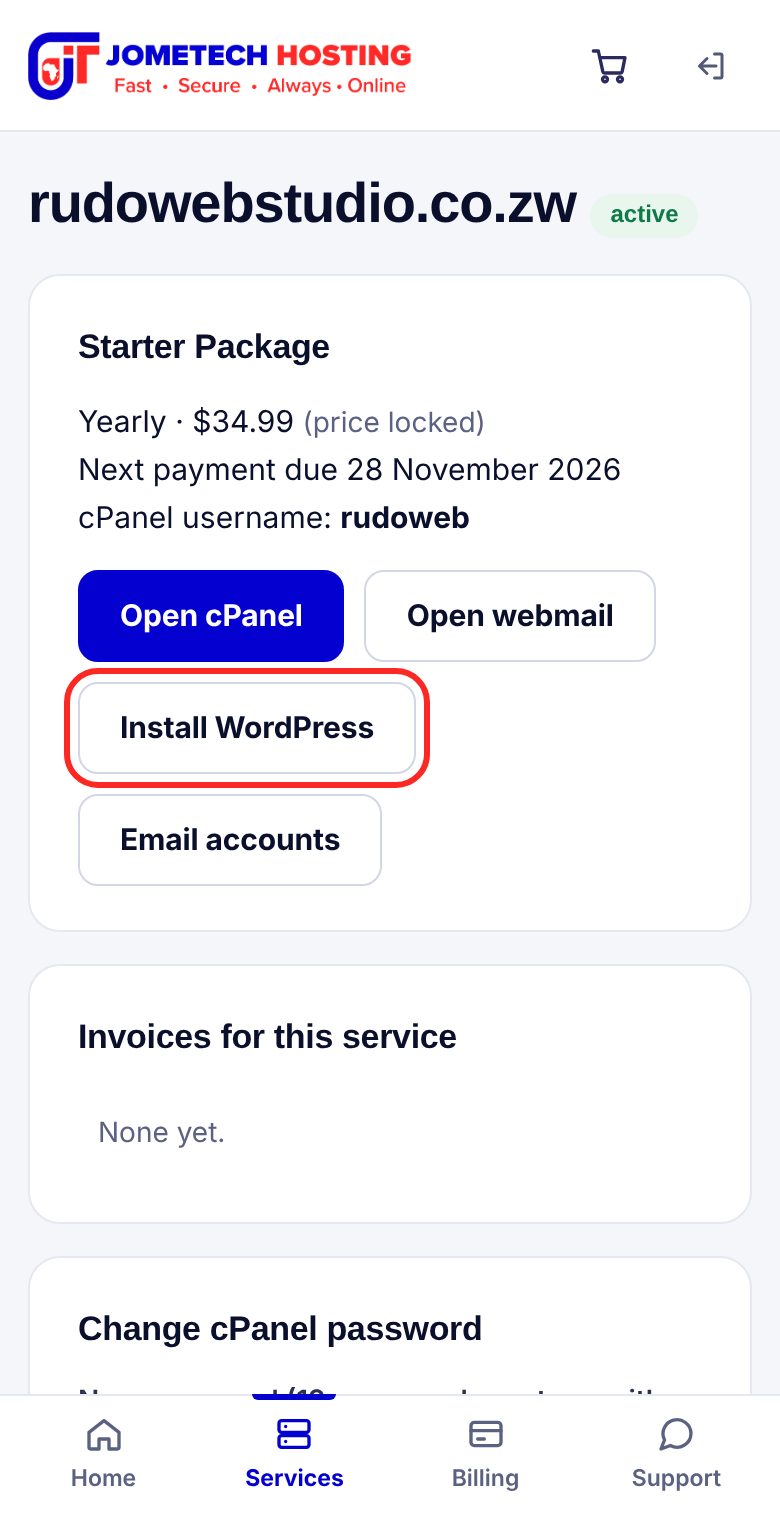
The Install WordPress button - Choose your domain, set your site name, admin user name and a strong password, then tap Install. Sign in to your new site at yourdomain/wp-admin.
Want us to build the website for you? Ask about JomeTech web design on WhatsApp.
Stuck? WhatsApp us on +263 78 377 1089 or open a support ticket.