
Knowledge Base › Using your client area
How to order hosting, email or a domain
Order online in a few minutes. Nothing is set up until you have paid, and the price you pay is the price you renew at.
- Go to clients.jometechhosting.com/order. Our three promises are at the top: same price every year, 30-day money-back on hosting and email, and a free website move.
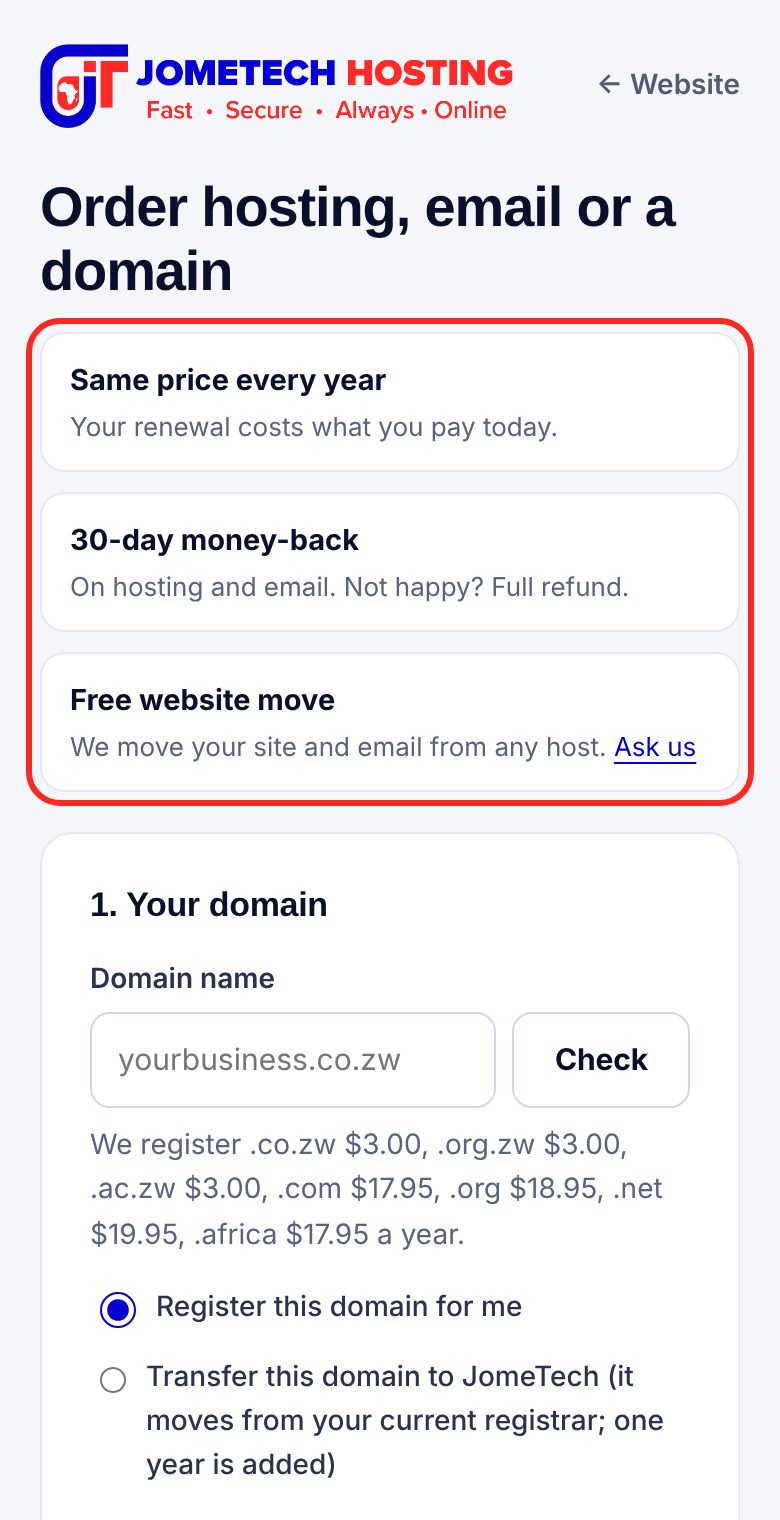
The order page - Type your domain and tap Check, choose whether to register, transfer or keep it, then pick a plan. Yearly hosting and email plans include a free .co.zw for the first year.
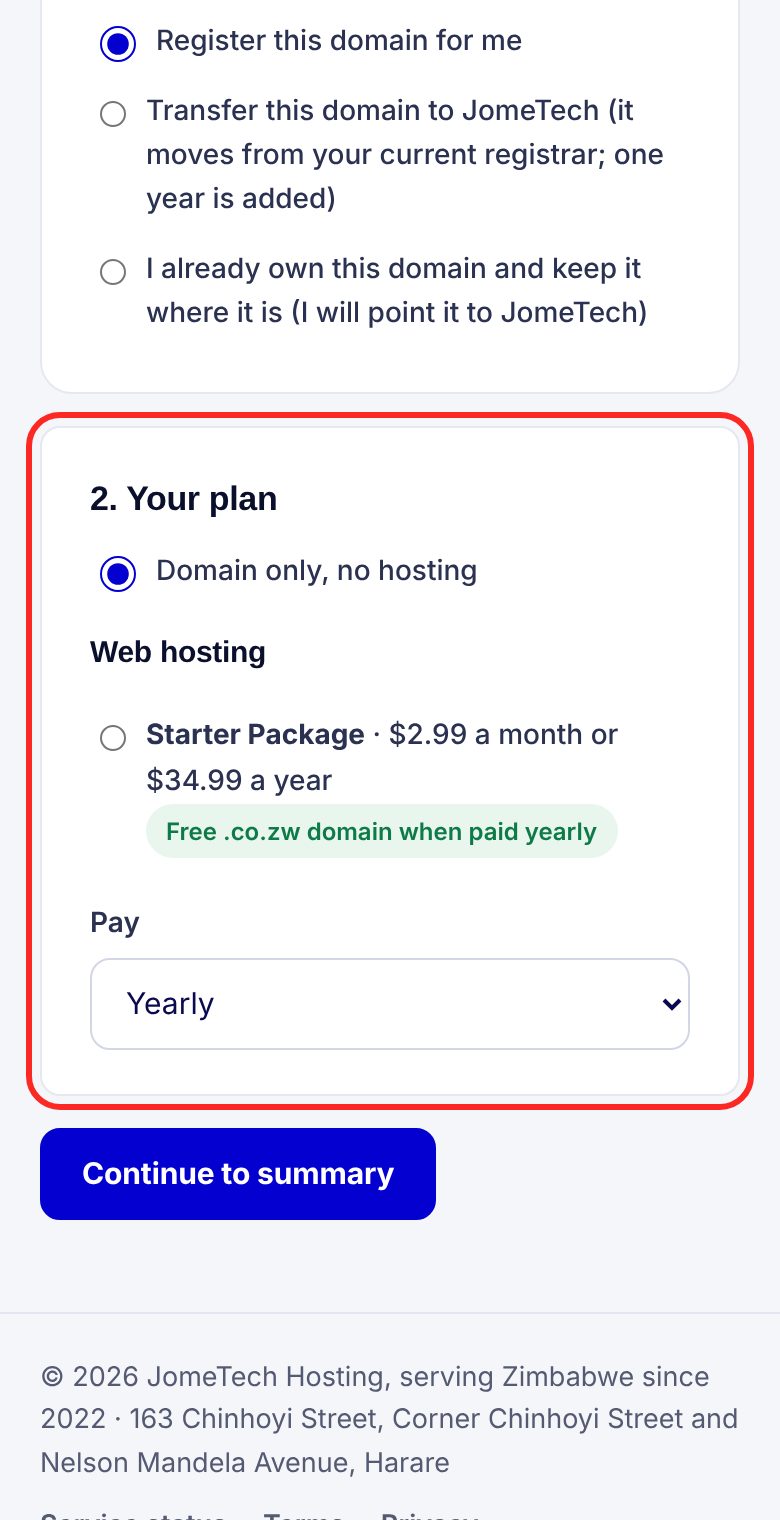
Choose your plan - Tap Continue to summary, sign in or create an account, and confirm. Pay the invoice, and your service is set up automatically.
Stuck? WhatsApp us on +263 78 377 1089 or open a support ticket.